Timezone and team settings
The team’s name, timezone and weekly target are on the Team page. Anyone on the team can change them.
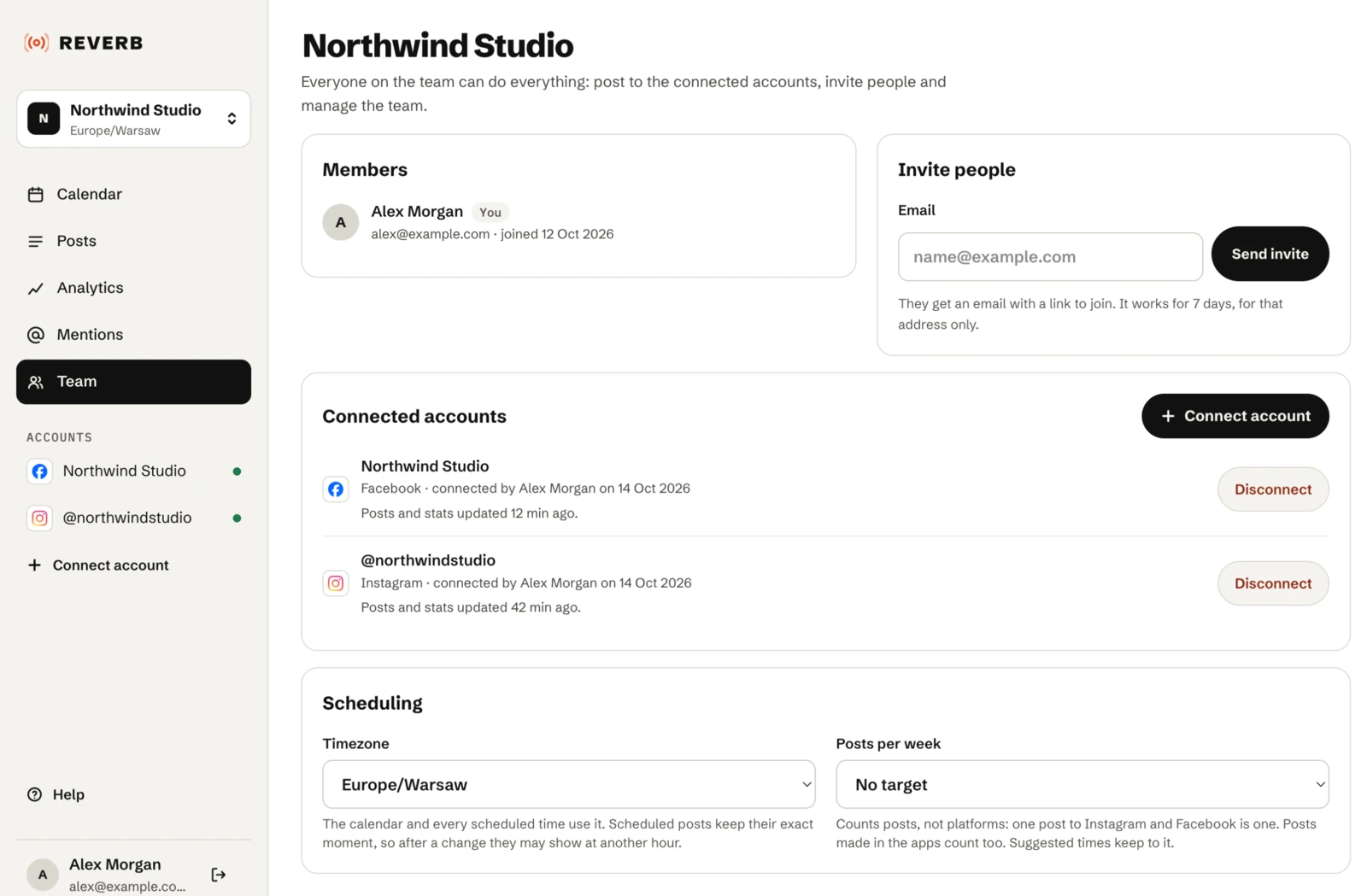
Timezone
- Every team has its own timezone. The calendar, the editor and suggested times all use it, so everyone sees the same times wherever they are.
- Anyone on the team can change it on the Team page.
- Changing it keeps scheduled posts at the same moment, so they may show at a different hour.
Analytics counts days in UTC, not in the team’s timezone. See What the numbers mean.
Team name
Anyone on the team can rename it on the Team page.
Weekly target
Set how many posts a week the team aims for, from 1 to 21, or no target. Changes are saved right away. See Posting pace.
Members and accounts
The Team page also lists the members, pending invitations and connected accounts. See Inviting people and Reconnecting an account.