Switching teams
You can be on several teams, for example your own brand and an organization you help, and switch between them.
After you sign in
- With one team, REVERB opens it right away.
- With more than one, you pick a team first, then go on to the page you were headed to.
Switching
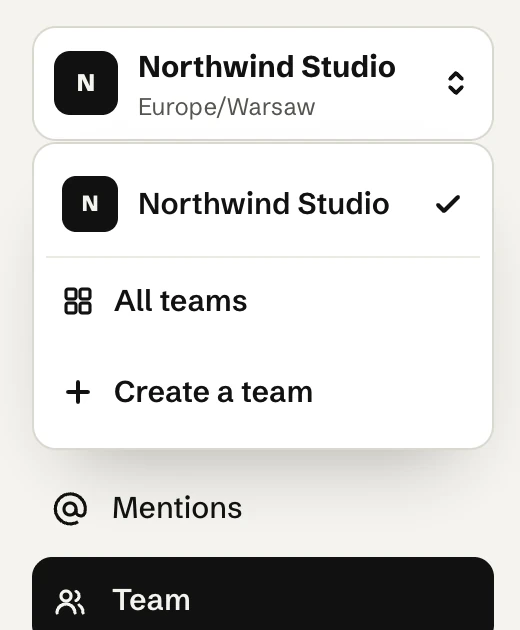
- Open the team menu at the top of the sidebar and pick another team.
- All teams in that menu lists every team you’re on. Create a team starts a new one.
- Accepting an invitation switches you to that team.
What stays separate
Each team has its own accounts, posts, calendar, @mention mappings, timezone and weekly target. Nothing is shared between teams.