Your first post
Add your media, write one caption, pick the accounts, then publish right away or put the post on the calendar.
Write it
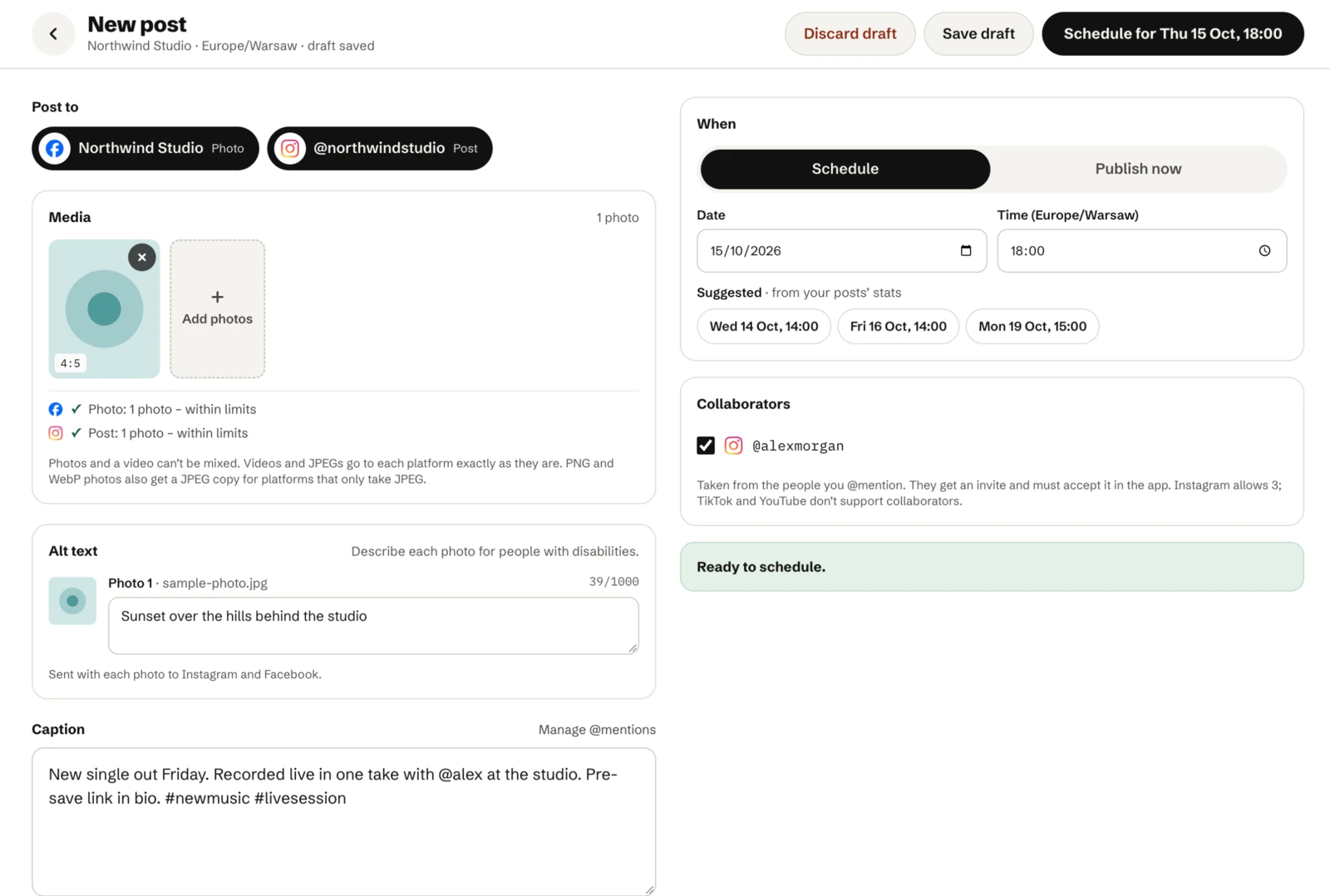
- Click New post on the calendar. The editor opens.
- Add one video or several photos. A post can’t mix the two. See Media requirements.
- Write the caption. Type @keyword to mention someone.
- Pick the accounts to post to. The editor checks your media against each platform’s limits and shows a preview per account.
Send it
- Schedule: pick a date and time in the team’s timezone, or one of the suggested times. The post goes on the calendar and goes out at that time, usually within a minute or two.
- Publish now: sends it right away.
- Save draft: keeps it for later without a date.
Videos can take several more minutes to appear while the platform processes them.
After it goes out
The Posts page shows each post’s status per platform. If one platform fails, the others still go out, and you can retry the one that failed. See Failed posts and retries.