Connect your accounts
Connect the Instagram, Facebook, TikTok and YouTube accounts your team posts to. Everyone on the team can then use them.
How to connect
- In the sidebar, under Accounts, click Connect account.
- Pick the platform.
- Sign in on the platform and approve what REVERB asks for. The dialog lists it before you go.
- For Facebook, pick which of your Pages belong to this team. For other platforms, confirm the account that came back.
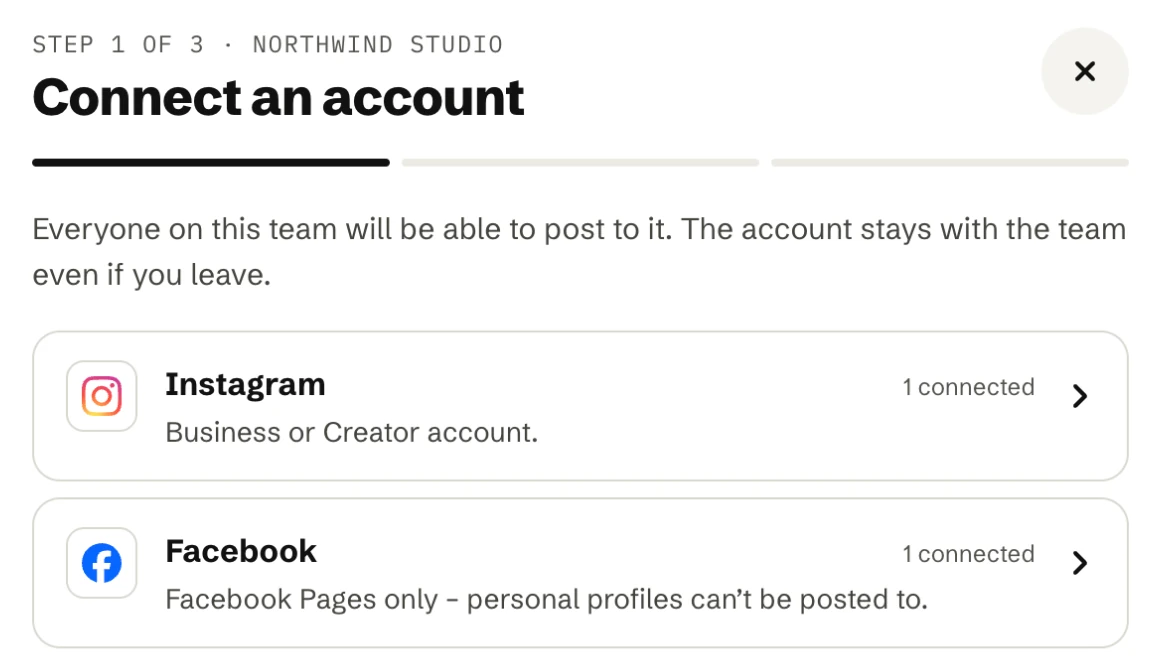
What each platform needs
- Instagram: a Business or Creator account, connected by signing in with Instagram. No Facebook Page is needed. Personal accounts can’t be connected. Instagram
- Facebook: Pages only, not personal profiles. You need a role on the Page that lets you create content. Facebook
- TikTok: any TikTok account. TikTok
- YouTube: a YouTube channel, connected with your Google account. YouTube
Importing your recent posts
When you connect an account, its posts from the last 90 days are imported in the background, with their stats. That usually takes a few minutes, longer for accounts with many posts. The sidebar shows a spinner next to the account while it runs.
Shared with the team
- Everyone on the team can post to every connected account, not just the person who connected it.
- The account stays with the team even if the person who connected it leaves.
- Connected accounts are listed on the Team page, where you can also disconnect them. See Reconnecting an account.